
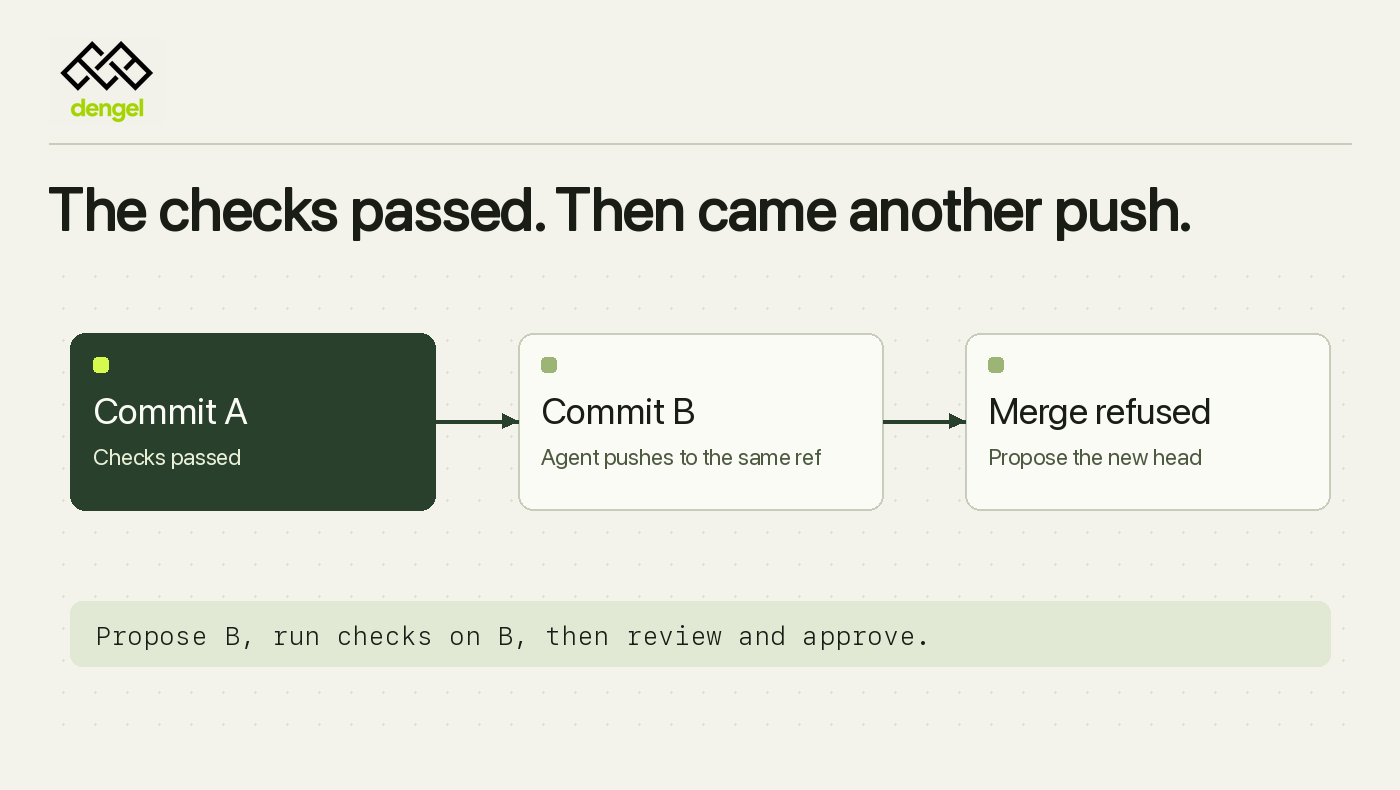
At 10:14, the checks pass. At 10:15, the agent pushes one more commit. The branch still has the same name. The tab you had open may still look reassuringly green. So, which commit are you about to merge?
This is a worked example. We’ll call the two commits A and B. The useful thing to watch is what happens when you try to merge the proposal for A after the branch has moved to B.
Get commit A ready for approval
Start with a test repository in a workspace where Guard and independent verification are enabled. Use a project Git access token and make sure the repository has approved check commands. A teammate with proposal access opens the proposal, an owner or maintainer authorises the verification run, and the named delivery approver confirms any merge.
In a clean clone, run git fetch origin main and git switch -c guard/retry-demo FETCH_HEAD. Pick a local branch name you haven’t used before and do the same for the remote candidate name if retry-demo is taken. Give your agent one small change. Then push the resulting commit from that checkout.
git push origin HEAD:refs/heads/candidate/retry-demo
git rev-parse HEAD
In the panel, open Code, find candidate/retry-demo and select Propose for review. Under Changes, confirm that the proposal shows commit A. An owner or maintainer reviews the displayed limits and any costs, then selects Run checks. Wait for Ready for approval. Keep that proposal open.
Move the candidate branch to B
Have the agent make and commit one follow-up change on top of A in the same checkout. Push to the same remote ref and compare the local and remote IDs.
git push origin HEAD:refs/heads/candidate/retry-demo
git rev-parse HEAD
git ls-remote --exit-code origin refs/heads/candidate/retry-demo
The two commands should now agree on B. The proposal you left open still describes A, including its passing results. Seeing those results is useful. Turning them into a merge of B would be quite a feature.
Try the old approval and then propose the new head
If the old proposal still offers Approve and merge, try it and confirm as the named approver in this test repository. Guard reads the current candidate ref before landing. When it sees B in place of A, it refuses the merge and asks you to propose the new head. The old checks stay attached to A, and main stays where it was.
Refresh Code, open the branch at B, and select Propose for review again. Check that the new proposal shows B. Authorise Run checks for that proposal and wait for Ready for approval. Then review the exact change, choose Approve and merge, and select Confirm and merge. The signed Receipt under Technical record gives you the commit that actually landed. Compare it with the target branch.
git ls-remote --exit-code origin refs/heads/mainIf you try this with your own agent, keep both commit IDs next to the proposal links. Next time somebody says “the checks passed”, you can ask “on which commit?” and get back to work. Guard quickstart