
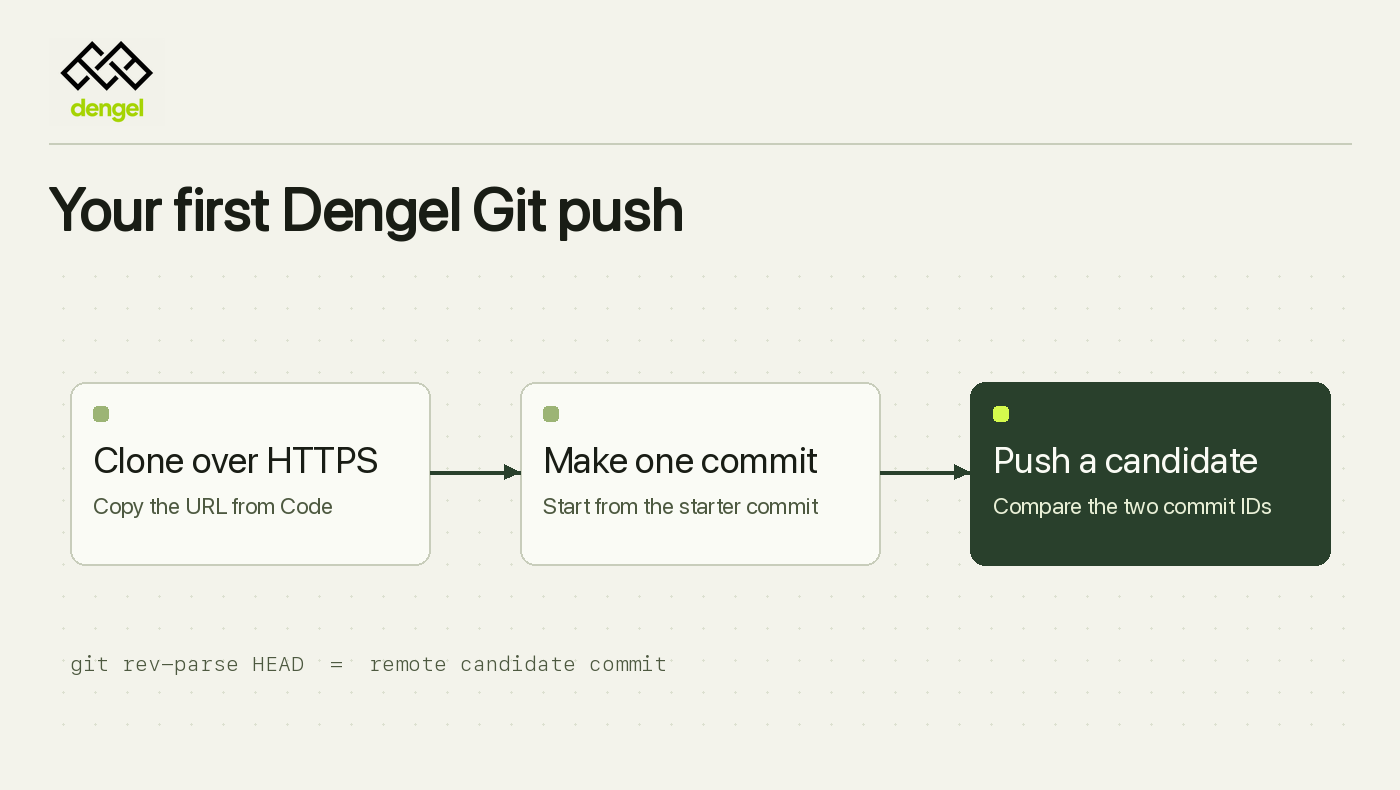
To try a new Git host, I want to do three things. Clone a repository, make a commit and see where it goes when I push. If I need a meeting before any of this happens, we’ve already lost the afternoon.
Here’s the first push to Dengel Git. We’ll use a fresh repository, add one little file and check the commit on the remote. You’ll need a workspace with Dengel Git enabled, permission to create a repository and issue a Git access token, and a local Git client with your commit name and email configured.
Create a repository and copy the URL
In the Dengel panel, open Projects → New project → Host your code. Choose EU hosting, give the repository a handle, acknowledge the storage limit and select Create repository. Dengel adds a starter commit, so you already have something to clone.
Open Code → Git access. Copy the HTTPS clone URL, then select Create access token. Save the displayed username and token in your credential manager. When Git prompts you, use that username and supply the token as the password. Dengel panel
Make one commit and push it
Replace the URL below with the one you copied. We’re going to make a text file with extraordinarily modest ambitions.
DENGEL_REPO_URL='https://git.dengel.dev/OWNER/REPOSITORY.git'
git clone "$DENGEL_REPO_URL" dengel-quickstart
cd dengel-quickstart
git switch -c quickstart/first-change
printf '%s\n' 'My first Dengel Git change.' > dengel-quickstart.txt
git add dengel-quickstart.txt
git commit -m "Add a Dengel quickstart note"
git push origin HEAD:refs/heads/candidate/first-change
The push stores your commit on the remote candidate branch. On a fresh repository where nobody else is making changes, git diff --name-only origin/main..HEAD should list dengel-quickstart.txt.
See exactly what arrived
git rev-parse HEAD
git ls-remote --exit-code origin \
  refs/heads/candidate/first-change
The first field from the remote should match your local commit ID. In Code, refresh the branch list and look for candidate/first-change. That’s the branch and commit to give your reviewer, along with a line about what changed. If the IDs differ, check which commit the remote received before sending the handoff.
If your workspace has Guard enabled, open the candidate in Code and select Propose for review. That opens the review under Changes. For now, try the push and compare the two IDs. It’s a nice thing to be able to settle in two commands. Git quickstart · Early access